How to connect Google Sheets and fetch data with Dashboard Builder?
To connect to Google Sheets and fetch data, follow the following steps.
Publish to the web
Before going to the next step, just make sure that your google sheet is publish to the web:
Step-1: Goto your My Driver folder and right click on the spreadsheet you want to access. Right click “Publish to the web” under the File menu.

Step-2: On the next screen: Select your desire Sheet and “Comma-separated values (csv)” from the drop down you want to retrieve data.

Hit the publish button.
Step-3: Copy the link on the following screen.

Connecting Dashboard Builder with Google Sheet
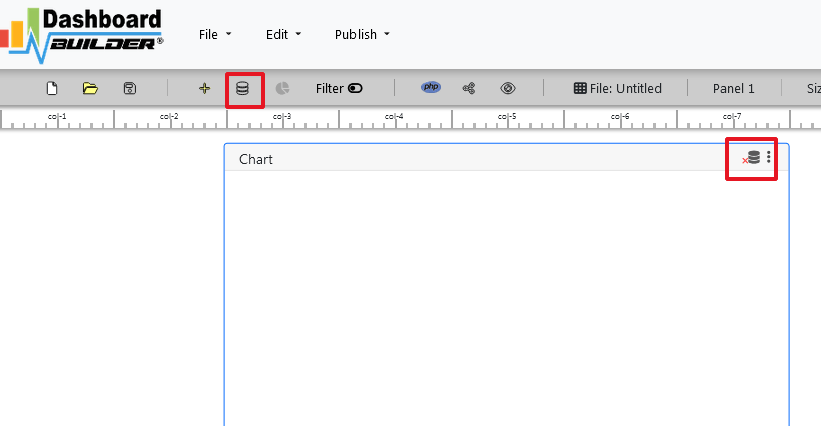
Step-1: Click the Database icon
Step-2: Now, paste the link of your Google sheet under the File Tab of Data Source Settings.


