Contents
Frequently asked questions
Requirements
- Joomla 3.8 or later
- Joomla 4.0 alpha or later
- Firefox 52, Chrome 57, IE 8 or later
Installation
- Download the extension from https://dashboardbuilder.net/joomla-extensions/choropleth-map
- Login to your Joomla admin
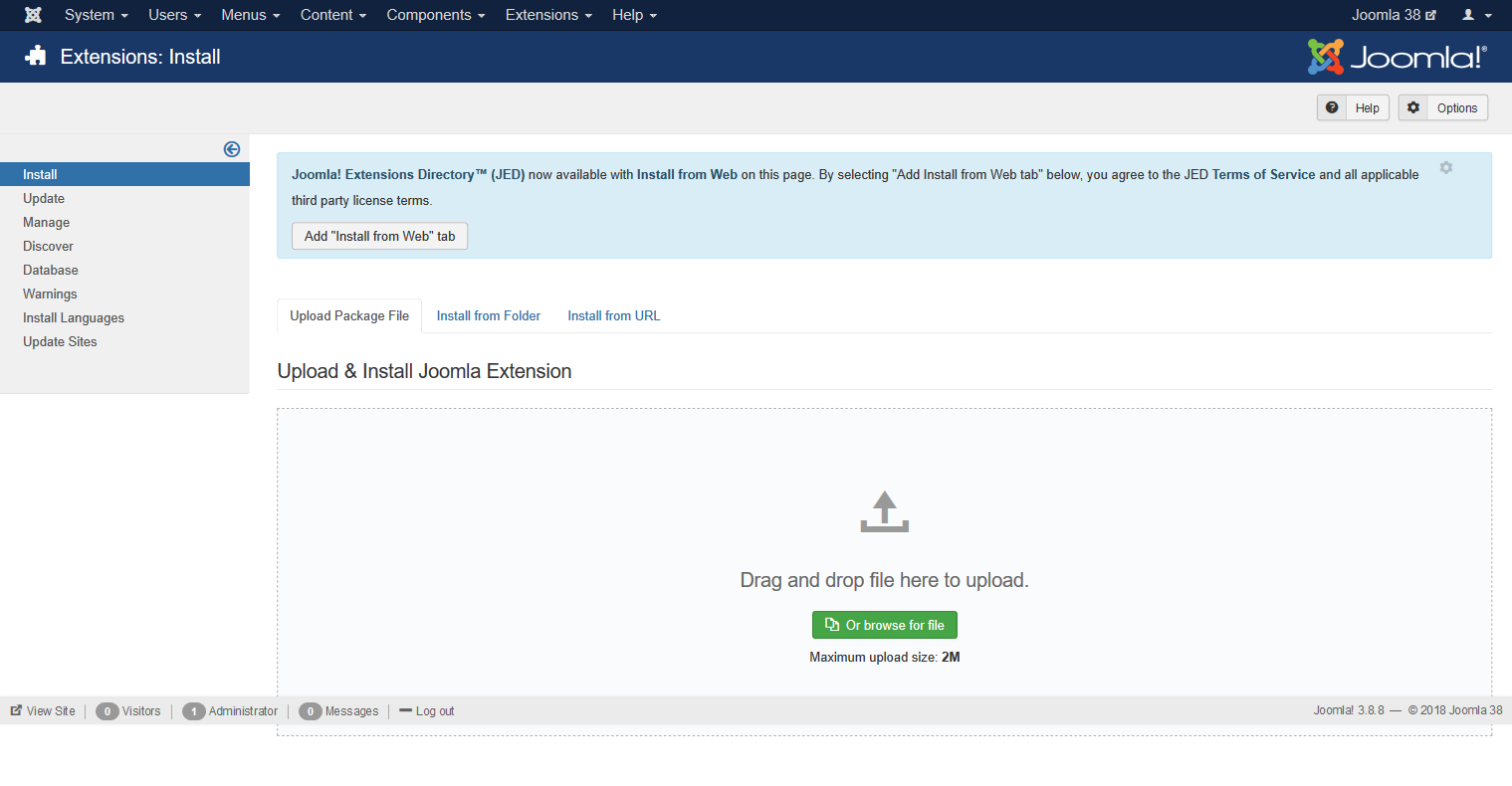
- Click Extensions ->Manage->Install. Following Screen will appear
- Brows mod_choropleth_map_j3_j4_v1.zip file
Create your first Dashboard
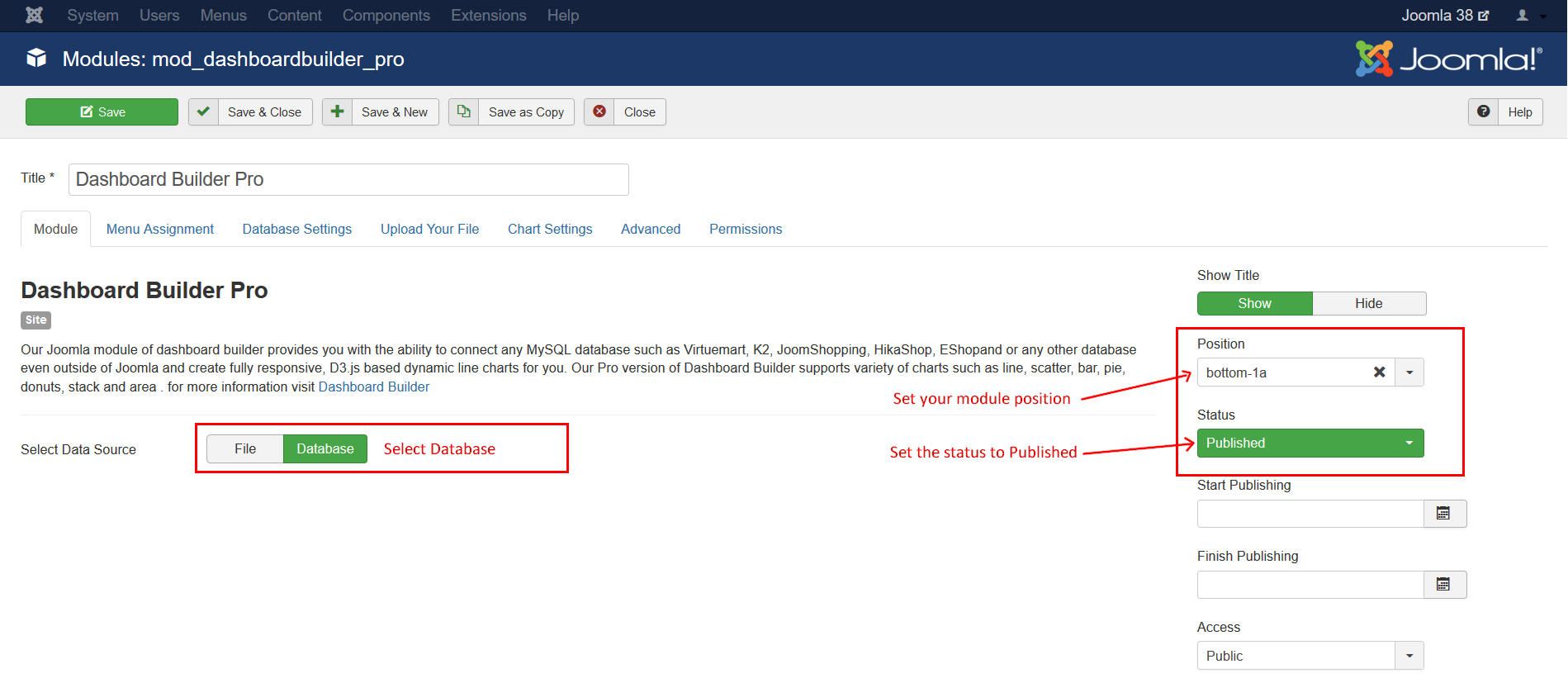
- Go to Extensions -> Modules
- Click Database in the following screen
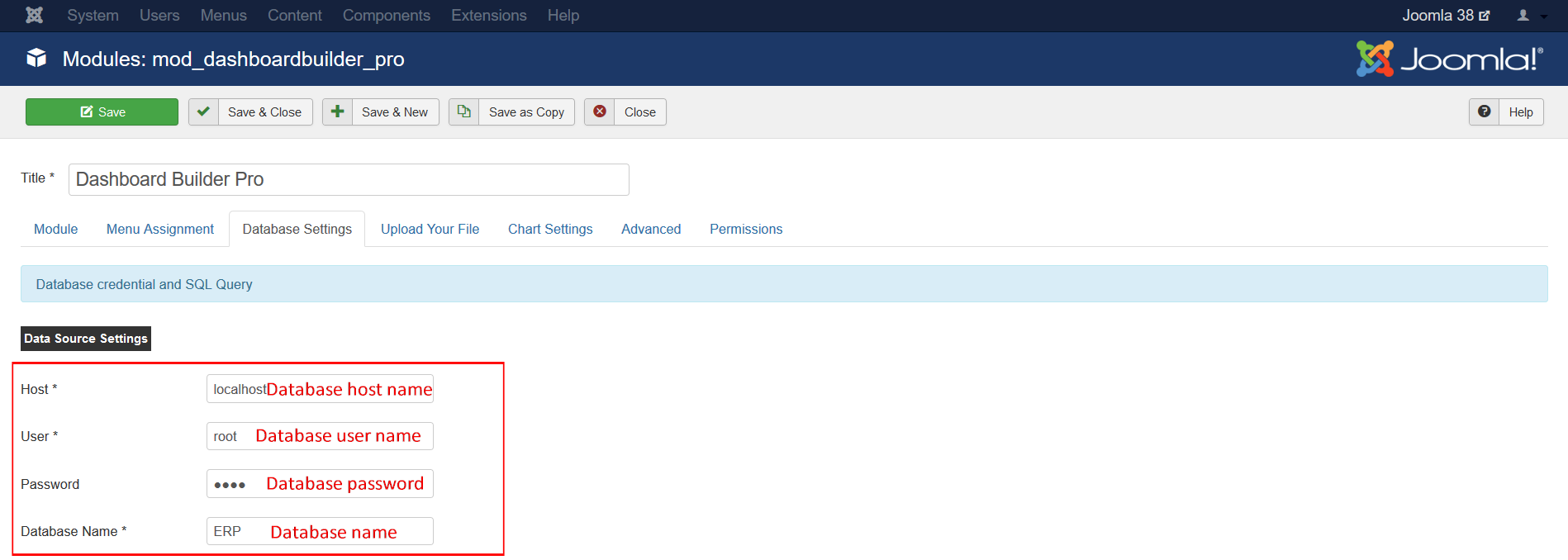
- Now, click on the Database Settings tab
- Following screen will appear
- Enter Host name, user name user password, and database name
- Change the status to Published, select your desired position and assign to your desired page under the tab Menu Assignment
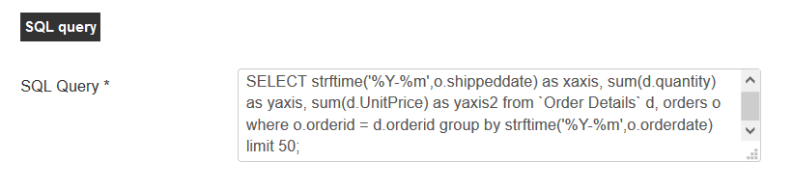
Write your custom SQL query:
Write your custom SQL query In the SQL Query text box
Fetch data from an Excel or CSV file
- Select File under the Module tab
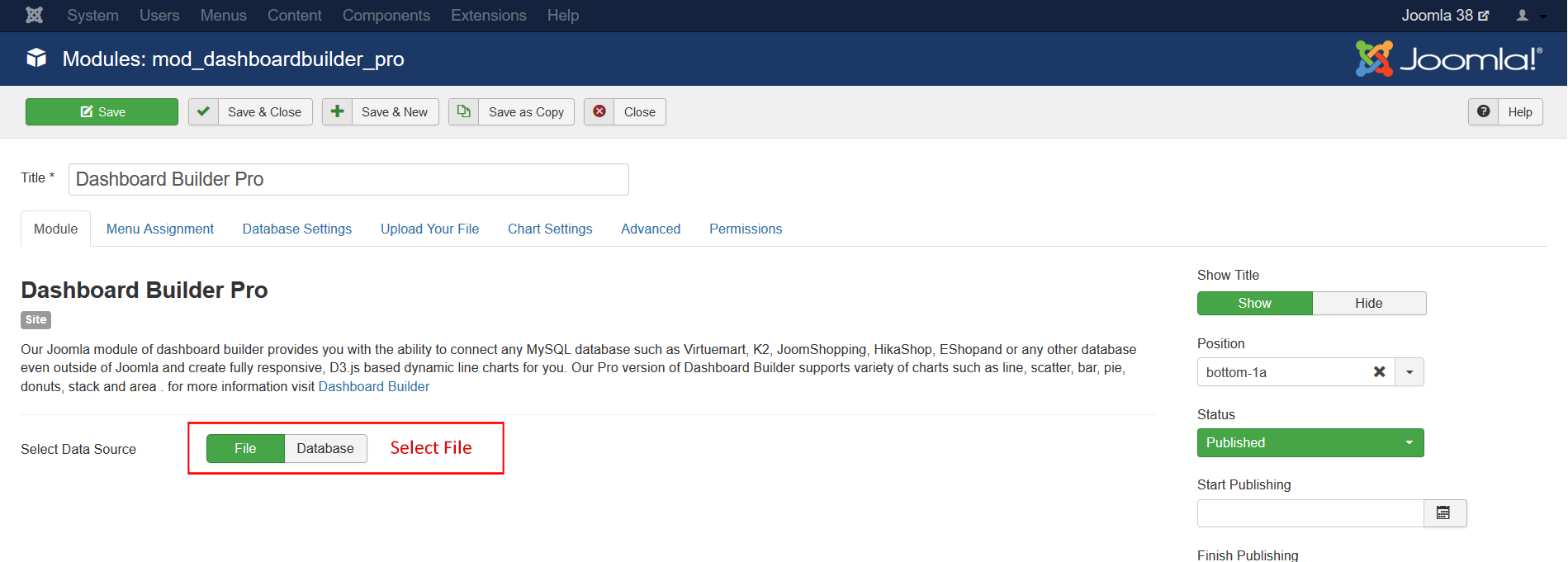
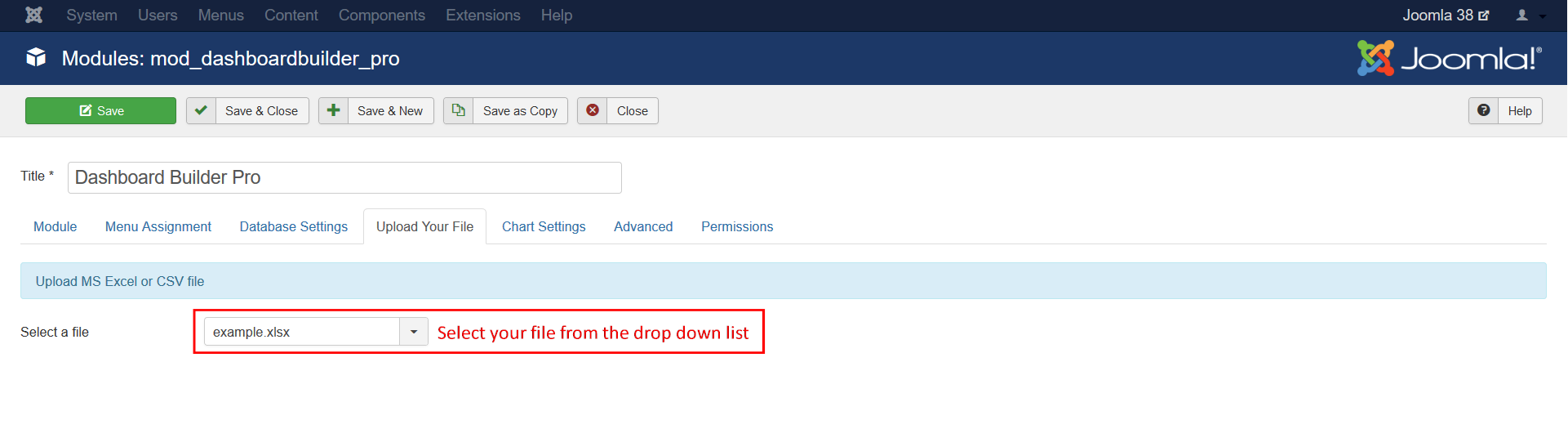
- Use any File Manager to upload your Excel or CSV file to the folder
/modules/mod_choropleth_map/data/ - Select your file from drop-down list.
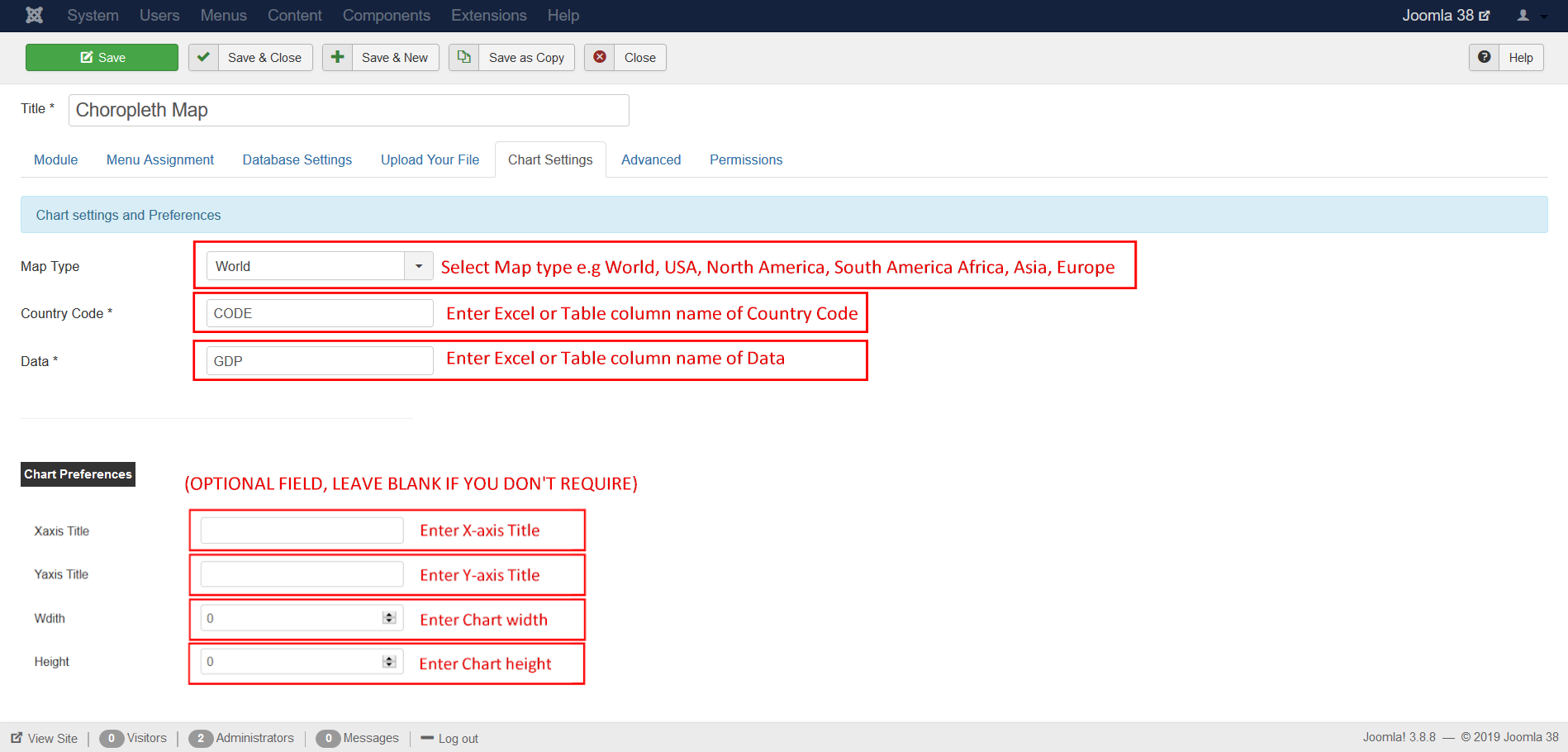
Under the Chart Settings Tab
- Select your Map type from the drop down list
- Enter your table, Excel or CSV’s column name in Country code
- Enter your table, Excel or CSV’s column name in Data filed