A business dashboard is a single screen that shows a company’s key metrics (revenue, sales pipeline, cash flow, marketing ROI, operational efficiency) as live charts and KPI tiles, pulled from databases, CRMs and spreadsheets. Below you’ll find the main types of business dashboards, examples by department, and how to build your own with Dashboard Builder’s drag-and-drop editor, which generates PHP and HTML5 code—no heavy BI software required.
On this page
- What Is a Business Dashboard?
- Types of Business Dashboards
- Business Dashboard Examples by Department
- How to Create a Business Dashboard (Step-by-Step)
- The Evolution of Business Dashboards
- The Advantages of Business Dashboards
- Business Dashboards Best Practices
- Business Intelligence Dashboard Features
- What Business Dashboard Software Is Best?
- FAQs
What Is a Business Dashboard?
A business dashboard is an interactive visual interface that consolidates live data from MySQL, Postgres, Oracle and other SQL databases, Excel and CSV files onto a single screen to track real-time KPIs. Modern dashboard builders let executives, managers and developers create dynamic charts with drag-and-drop and export clean PHP/HTML5 code for WordPress, Joomla, Laravel and more—no complex BI software required. Two AI features speed this up:
- AI Dashboard Generator — upload a CSV, Excel file or a PDF with a table in it and get a dashboard automatically, or type what you want in plain English and it builds the charts for you.
- Smart Query — once a dashboard is built, type a question in plain English, such as Show me top-performing sales regions, and the dashboard filters itself to answer it, with no SQL or manual filters. It works with Gemini, OpenAI or DeepSeek.
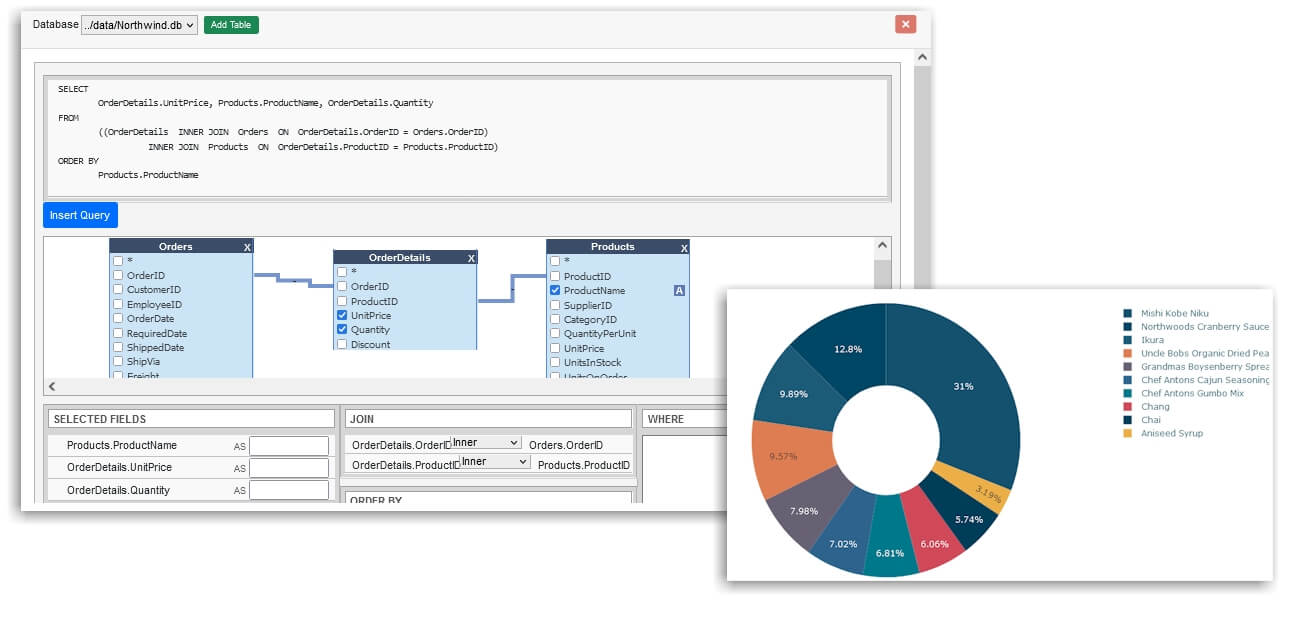
Track Business Metrics in One View
Instead of jumping between spreadsheets, CRM exports, and separate department reports, a business dashboard pulls your key business metrics into a single screen. Revenue, sales pipeline, marketing performance, operational efficiency, and HR metrics can all live side by side, updated from the same connected data sources. That single-pane-of-glass view lets teams spot a performance dip without waiting for manual weekly reporting.

Types of Business Dashboards
Most business dashboards fall into one of four types. The type depends on who uses it and how often they look at it.
Business Dashboard Examples by Department
Here is what a business dashboard typically shows for each team, with the KPIs that usually belong on it. Use these as templates for your own.
1. Sales dashboard
Tracks revenue against target, pipeline value by stage, win rate, average deal size, sales cycle length and quota attainment by rep or region.
2. Finance dashboard
Shows revenue, gross and net margin, operating expenses, cash flow, budget vs. actual and accounts receivable aging, so finance can spot cash or cost problems early.
3. Marketing dashboard
Covers website traffic and sources, leads generated, cost per lead (CPL), customer acquisition cost (CAC), campaign ROI and conversion rate by channel.
4. Operations dashboard
Monitors order fulfillment time, inventory levels, supplier delays, production output against capacity, and on-time delivery rate.
5. HR and payroll dashboard
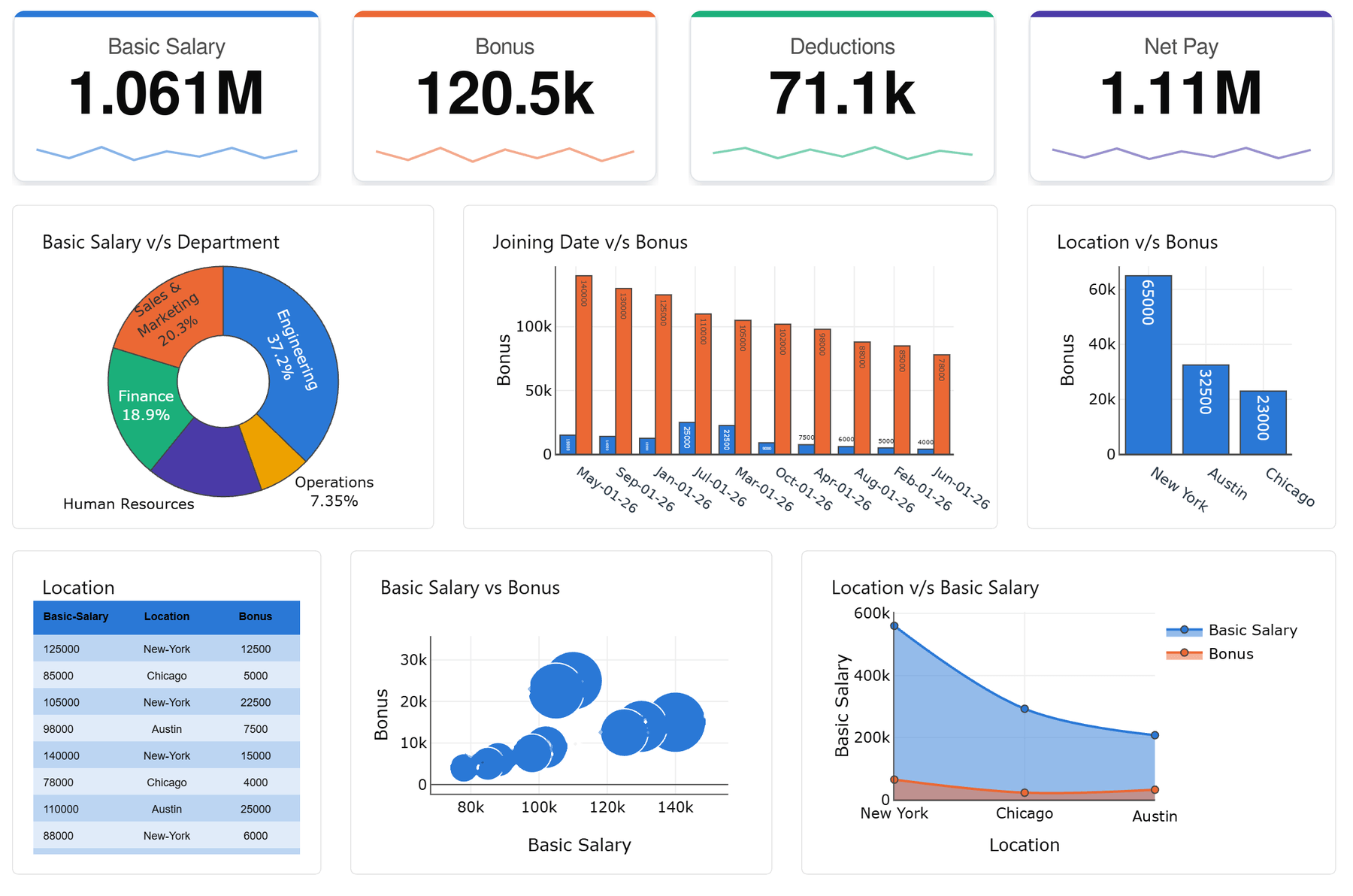
Tracks headcount, turnover, time-to-hire, and payroll costs such as basic salary, bonuses, deductions and net pay by department—like the example dashboard at the top of this page.
6. Executive dashboard
Combines the top one or two metrics from every department into a single company scorecard for leadership.
For more ideas, see our 20+ KPI dashboard examples and how teams use Dashboard Builder for every team.
How to Create a Business Dashboard (Step-by-Step)
Building a business dashboard comes down to eight straightforward steps, from defining your key metrics to publishing the finished view for your team.
Define your objective and audience. Start with each stakeholder’s explicit goals—sales managers need granular SKU and regional filters, while executives need top-level summary metrics.
Identify the KPIs and metrics that matter. Pick the specific metrics that map directly to business objectives—such as revenue, pipeline, and conversion rates—rather than overloading the board with unnecessary data.
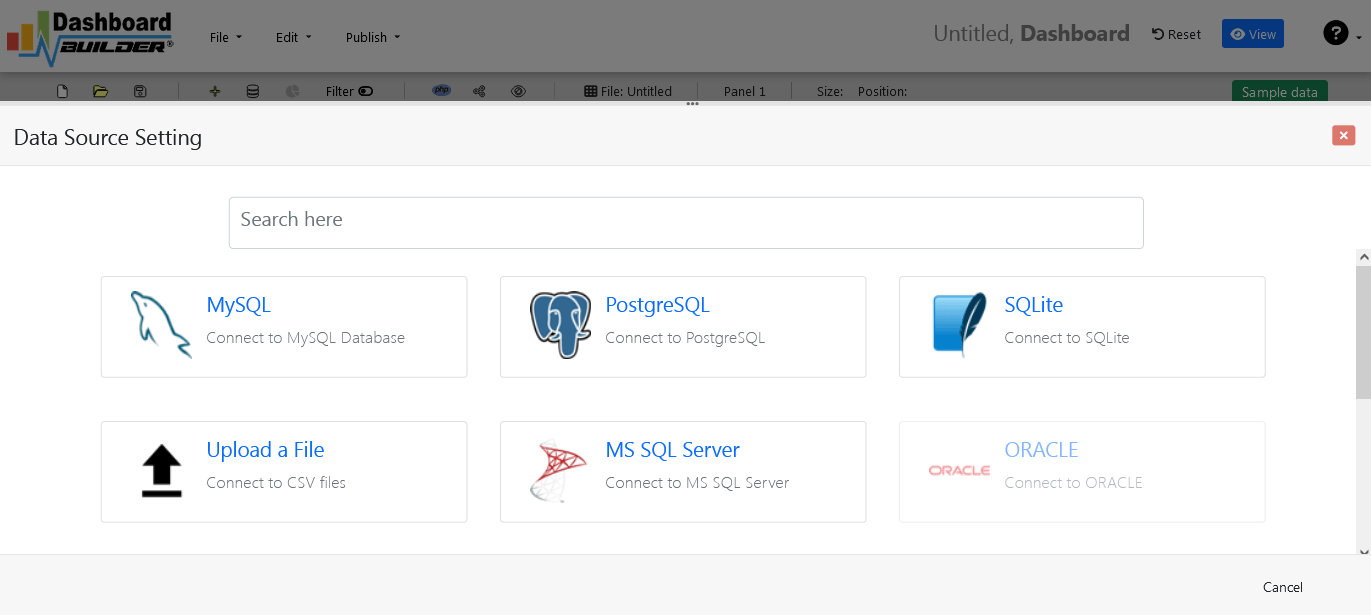
Connect your data sources. Link MySQL, MS SQL, PostgreSQL, Excel, or CSV files into one unified dashboard builder instead of managing isolated data silos.
3.1 Click on the Database icon in the Dashboard Software welcome screen.
3.2 Select MySQL or your preferred database engine as the data source.
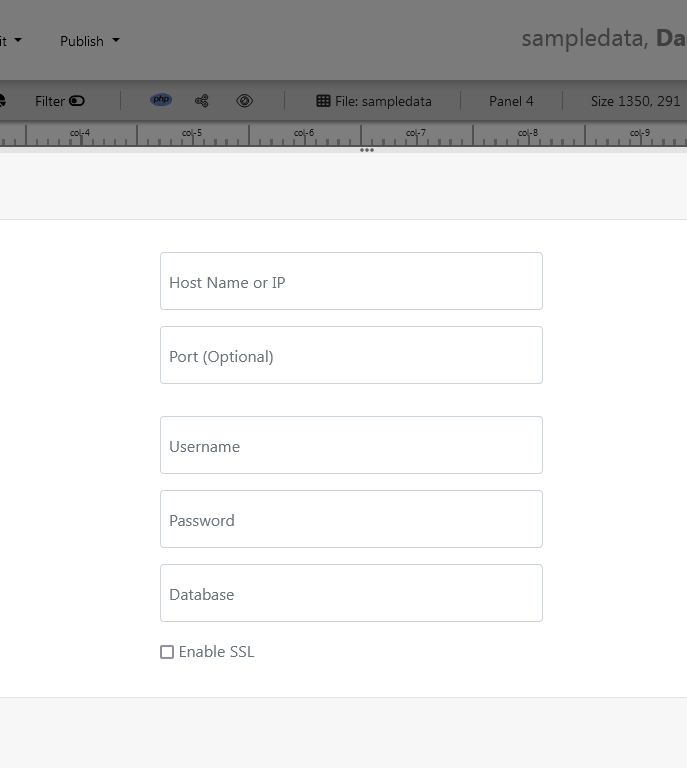
3.3 Input your host, database name, and credentials.
3.4 Save the configuration to establish live connectivity.
Choose your chart types and layout. Match visualizations to data types—line charts for trend tracking, bar charts for comparisons, and KPI cards for direct figures.
Customize views per stakeholder. Construct role-based dashboard views so finance, sales, and operations teams see relevant metrics from the shared data pipeline.
Add drill-down and filters. Enable interactive click-throughs so users can inspect high-level KPIs down to line items or regional metrics.

Validate data accuracy before publishing. Audit and verify data feeds across transformation steps to ensure absolute reporting reliability.
Publish and share your dashboard. Export clean PHP/HTML code, Joomla, WordPress, Laravel, output as PNG images, or embed live interactive dashboards directly into web applications or CMS portals.
Ready to build your first reporting board? Download Dashboard Builder for free to get started today.
The Evolution of Business Dashboards
Business dashboards have evolved significantly over the last five decades. Organizations used decision support systems (DSS) in the early 1970s before moving to Executive Information Systems (EIS) in the 1980s. Modern web-based dashboard builders leverage automated SQL queries, responsive HTML5 graphics, and real-time data connectors to deliver instant organizational clarity.
The Advantages of Business Dashboards
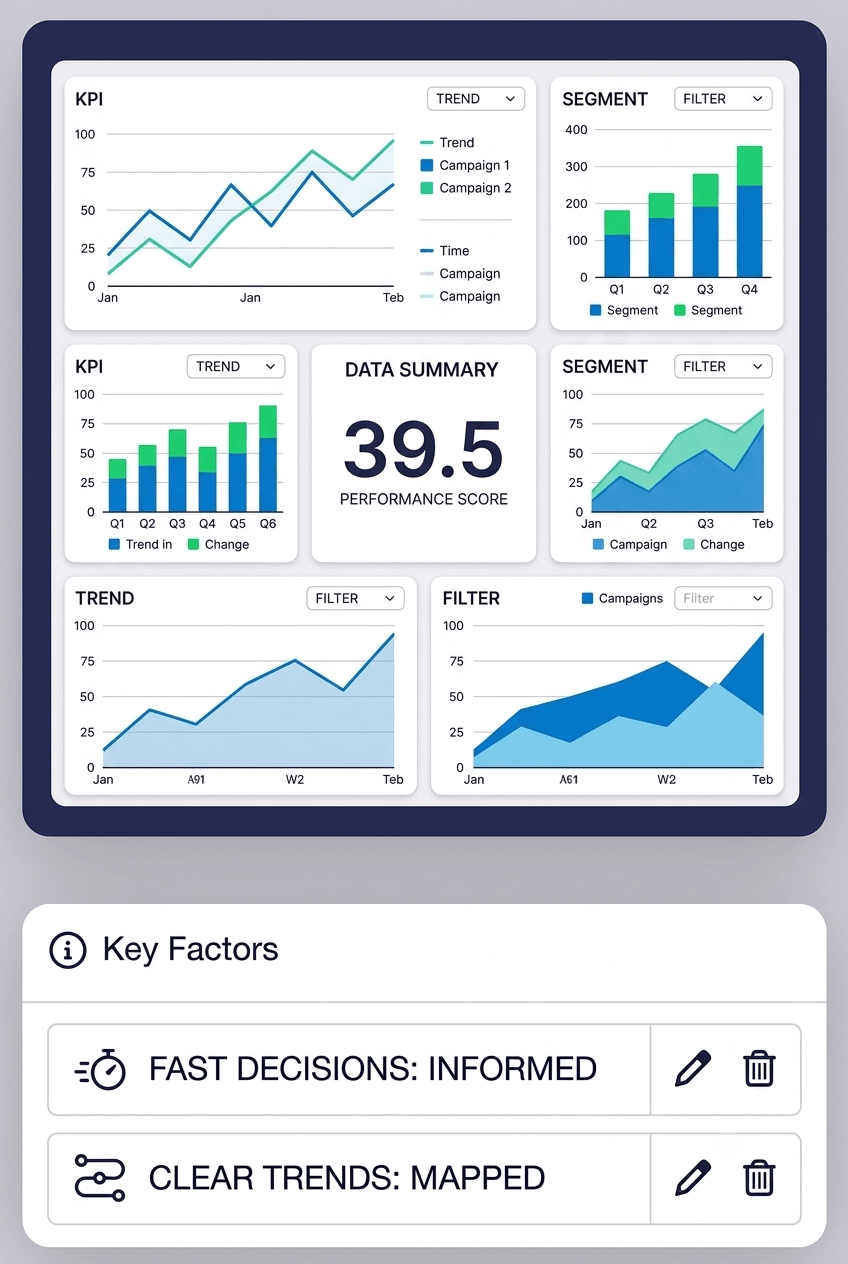
1. Enhance Decision-Making
Aggregated data empowers fast leadership decisions, paired with dynamic graphs that track performance against time and key changes
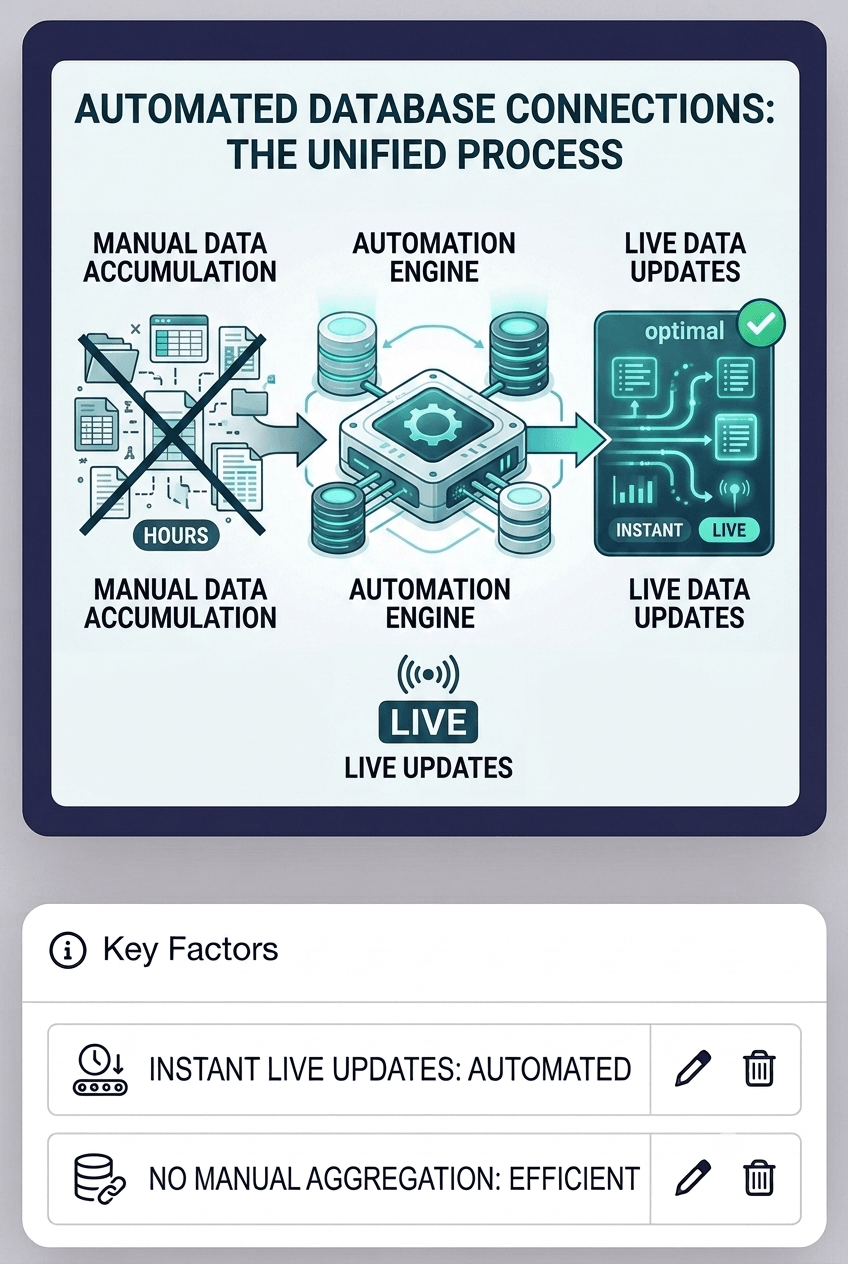
2. Save Time & Automate Reporting
Automated database connections eliminate manual spreadsheet aggregation, reducing report generation times from hours to automated live updates.
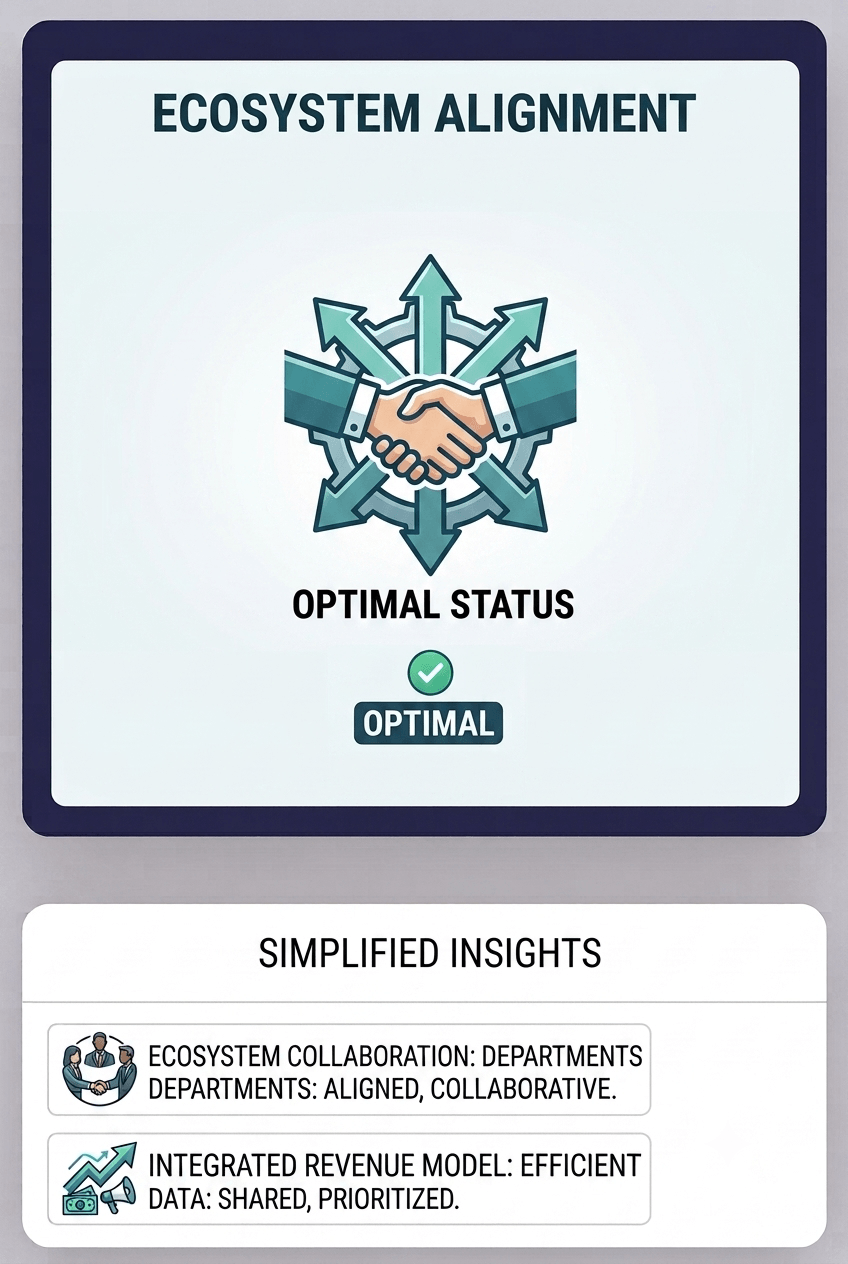
3. Shareable Enterprise Insights
Providing direct dashboard access across departments fosters alignment between finance, marketing, sales, and executive management.
Business Dashboards Best Practices
1. Establish Dashboard Objectives
Align layout and widget choices directly with end-user goals before beginning design.
2. Ensure Data Accuracy
Implement validated database feeds to prevent bad decisions caused by corrupted reporting.
3. Apply Filters and Interactive Drill-Downs
Allow end users to filter by date ranges, geographical regions, or product categories without cluttering the primary summary layout.
Business Intelligence Dashboard Features
Dashboard Builder provides comprehensive BI capability directly on your server environment:
What Business Dashboard Software Is Best?
The best business dashboard software depends on where your data lives, who will use the dashboards, and your budget. When comparing tools, check:
- Data sources: does it connect directly to your databases (MySQL, SQL Server, PostgreSQL, Oracle) and files (Excel, CSV)?
- Hosting: can it run on your own server if your data must stay in-house, or only in the vendor’s cloud?
- Pricing model: per-user subscriptions add up quickly as more people need access.
- Embedding: can you put dashboards inside your own website or app?
- Ease of use: can business users build a dashboard without writing code?
Enterprise platforms like Power BI and Tableau suit large analytics teams. Dashboard Builder is built for teams that want a free or low-cost, self-hosted option that connects straight to their database and exports PHP/HTML5 code they can embed anywhere. See the full Dashboard Builder vs. Power BI comparison.