Healthcare Dashboards: Definition, Examples, and Benefits
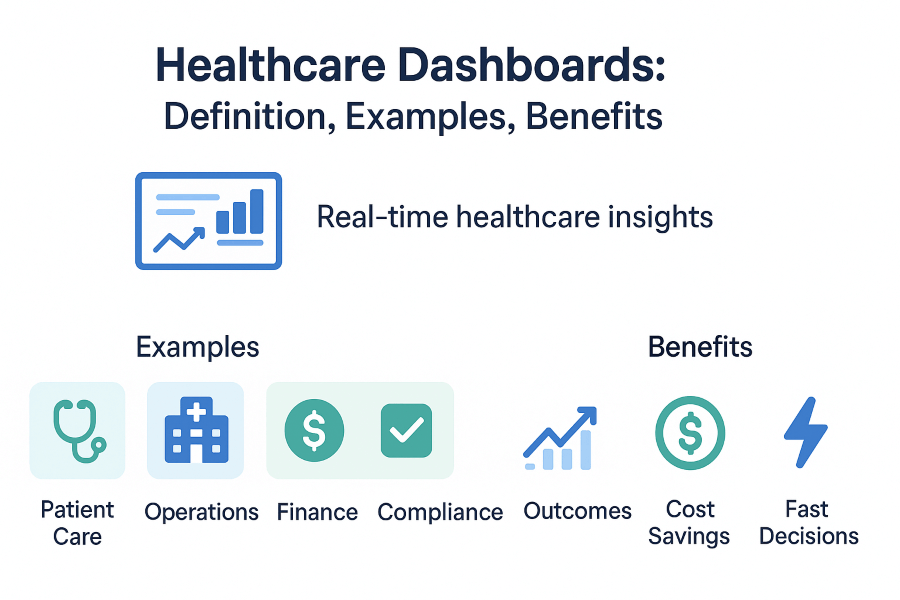
TL;DR: Healthcare dashboards give doctors, administrators, and staff real-time visibility into patient outcomes, resource utilization, and compliance. In 2025, they help hospitals improve care quality, reduce costs, and accelerate data-driven decisions.
What is a Healthcare Dashboard?
A healthcare dashboard is a visual reporting tool that consolidates critical data from hospitals, clinics, and health systems into one place. It helps medical professionals, administrators, and decision-makers monitor performance, track patient outcomes, and improve operational efficiency in real time.
By connecting clinical, financial, and operational data, healthcare dashboards make it easier to identify trends, reduce risks, and support evidence-based decisions that enhance patient care and hospital management.
Why Healthcare Dashboards Matter in 2025
- Real-time monitoring: Track patient vitals, staffing levels, and resource usage instantly.
- AI-driven insights: Predict patient risks and improve care pathways with predictive analytics.
- Operational efficiency: Optimize bed occupancy, reduce wait times, and improve workflows.
- Improved patient outcomes: Reduce readmissions, track recovery progress, and improve overall care quality.
- Compliance & safety: Ensure adherence to healthcare regulations such as HIPAA and monitor safety indicators.
Key Types of Healthcare Dashboards
Patient Care Dashboards
These dashboards focus on individual and population-level patient health. They help doctors and nurses monitor:
- Readmission and mortality rates
- Vital signs and lab results
- Length of stay and treatment progress
- Patient satisfaction scores
Operational Dashboards
Used by hospital administrators to streamline daily operations and resource management. Typical metrics include:
- Bed occupancy and turnover rates
- Staff scheduling and workload distribution
- Emergency department throughput
- Average patient wait times
Financial Dashboards
Financial dashboards track the economic health of a healthcare facility. They provide insight into:
- Revenue cycle management
- Insurance claims and reimbursement rates
- Cost per patient case
- Outstanding balances and cash flow
Compliance & Quality Dashboards
Ensuring quality and regulatory compliance is essential for patient safety and accreditation. These dashboards typically include:
- Patient safety incident reports
- Audit readiness and compliance scores
- Accreditation KPI tracking (e.g., JCI, ISO, HIPAA)
- Clinical error and infection rates
Healthcare Dashboard Examples
Explore different types of healthcare dashboards used by hospitals and clinics to monitor patient care, operations, finances, and compliance.

Patient Care Dashboard: Tracks readmission rates, vitals, and overall patient status in real time.

Operational Dashboard: Provides insights into bed occupancy, staffing levels, and patient throughput.

Financial Dashboard: Monitors revenue cycle, billing accuracy, and cost per case to optimize resources.

Compliance & Quality Dashboard: Tracks safety incidents, audit readiness, and accreditation KPIs.
Comparison: DashboardBuilder vs Power BI (Healthcare)
| Feature | DashboardBuilder | Power BI |
|---|---|---|
| Deployment | On-premises, desktop, or cloud — flexible options | Primarily cloud-based (with limited on-prem support) |
| Security | Full control on-prem; HIPAA-ready with self-hosting | Microsoft cloud compliance, less customizable locally |
| AI Features | Lightweight NLP-to-Chart generator (custom) | Advanced AI/ML integration, natural language Q&A |
| Templates | Prebuilt healthcare KPI dashboards, easy to customize | Generic industry templates, requires customization |
| Cost | One-time license or low subscription | Ongoing per-user monthly fees |
Pros, Cons, Best For
Pros
- ✔ Real-time healthcare dashboards
- ✔ Easy customization & deployment
- ✔ Lower cost vs enterprise tools
- ✔ Flexible hosting (cloud or on-prem)
Cons
- ✘ Fewer third-party integrations
- ✘ Smaller ecosystem than Power BI
- ✘ Limited advanced AI features
Best For
- 🏥 Hospitals and clinics
- 💼 Mid-sized healthcare organizations
- 🔒 Institutions needing on-prem security
- 💡 Teams seeking quick, cost-effective dashboards
Best Practices for Building a Healthcare Dashboard
Designing an effective healthcare dashboard requires balancing usability, security, and clinical relevance. The best dashboards protect patient data, focus on meaningful KPIs, and present insights in a clear, role-based view tailored to doctors, administrators, and finance teams. Adding benchmarks, visual cues, and thorough validation ensures accuracy and trust, while proper testing and user feedback help align the dashboard with real-world healthcare needs.
Data Privacy & HIPAA
Ensure all dashboards follow HIPAA and local data protection regulations. Protect patient-identifiable information with role-based access and encryption.
Choose Meaningful KPIs
Focus on KPIs that impact patient outcomes, hospital efficiency, and compliance. Avoid clutter by limiting to the most relevant metrics.
Provide Context & Benchmarks
Numbers alone don’t tell the story. Add benchmarks, trends, and color-coded alerts to help staff act quickly.
Role-Based Views
Design separate dashboards for clinicians, administrators, and finance teams. Each role should only see what’s necessary.
Testing & Validation
Validate dashboard accuracy against raw data and pilot test with real users before rollout to avoid misinterpretation.
Mobile-Friendly Design
Ensure dashboards are responsive and optimized for tablets and smartphones so healthcare staff can access insights on the go.
Implementation Checklist
- ✔ Identify all required data sources (EHR, billing, operations).
- ✔ Set up ETL pipelines for cleaning and transforming healthcare data.
- ✔ Map KPIs to relevant departments and workflows.
- ✔ Define user roles and access controls.
- ✔ Implement strong security and compliance (HIPAA, GDPR).
- ✔ Validate dashboards with pilot users.
- ✔ Train staff on interpretation and usage.
Template & Sample Downloads
You can explore our FREE version of DashboardBuilder to try healthcare dashboard templates in Excel, Google Sheets, or directly in the DashboardBuilder app. The free edition is meant for personal evaluation, comes with a 1-month trial and watermark, and includes basic chart types and connections. Download the FREE version here.
Frequently Asked Questions
Further Reading & Sources
- What is a KPI Dashboard?
- KPI Chart Guide
- 7 Examples of KPI Dashboards
- KPI Reporting Tool
- Why KPI Dashboards are Important
- How to Create a KPI Dashboard
Last updated: August 26, 2026