Dashboard Builder vs Power BI
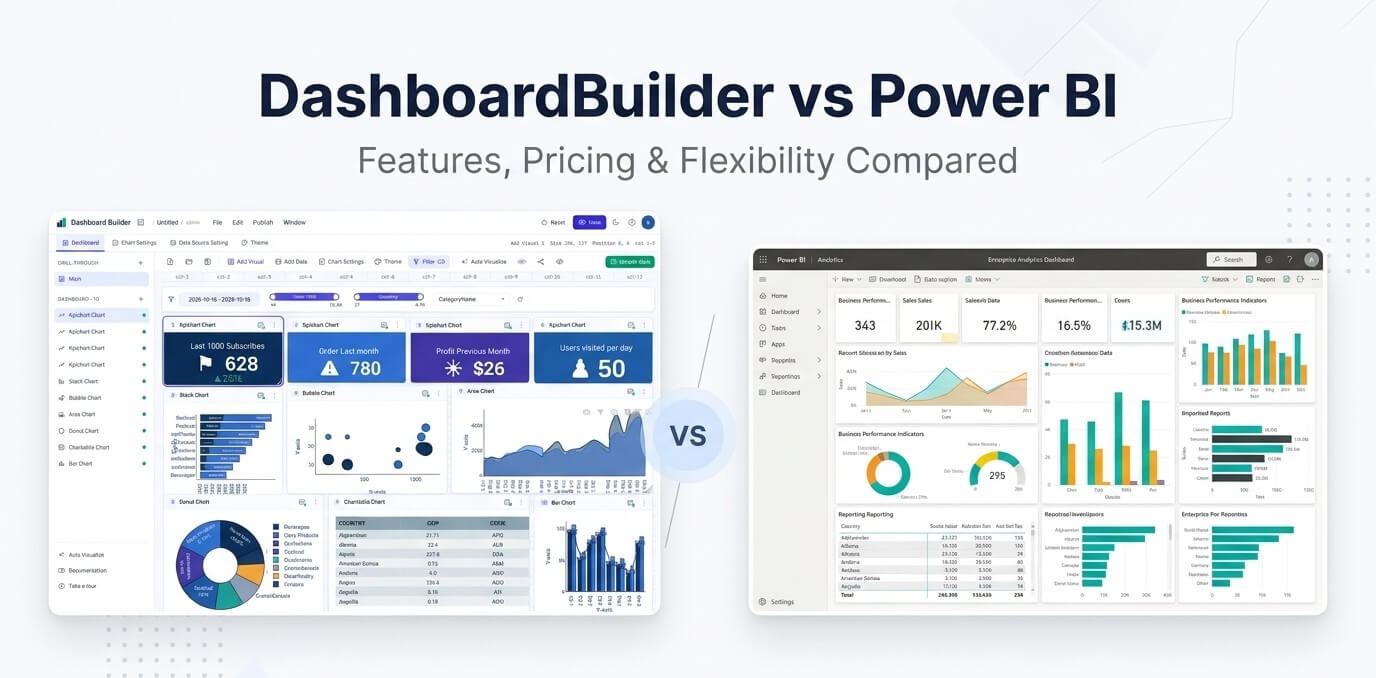
Microsoft Power BI is a full analytics platform with strong data modelling, Copilot and deep ties to Excel, Teams and Azure. It is priced per user per month. Dashboard Builder is a lighter, self-hosted dashboard tool: install it on your own server, connect your databases and files, and pay once.
Short answer: if your company lives in Microsoft 365 and needs data modelling and governance, choose Power BI. If you want dashboards on your own Linux or Windows server, embedded in a PHP app, from MySQL, Excel or PDF, without per-user fees, choose Dashboard Builder.
Dashboard Builder vs Power BI at a glance
| Power BI | Dashboard Builder | |
|---|---|---|
| Hosting | Power BI service (cloud); Power BI Report Server for on-premises with specific licences | Self-hosted (Windows, Linux, macOS; PHP 7.4+), cloud, or Windows desktop |
| Authoring | Power BI Desktop (Windows) and the web | Any browser; Windows desktop app optional |
| Pricing model | Per user per month, billed yearly | One-time: Essential $119, Professional $399, Enterprise $1,499. Cloud from $9/month |
| Data sources | Hundreds of connectors, strongest with Microsoft services | 25+, including MySQL, PostgreSQL, SQL Server, Oracle, Google Sheets, JSON, Excel, CSV and PDF |
| Modelling | Advanced (Power Query, DAX) | SQL queries and filters; no modelling language to learn |
| AI | Copilot and Q&A | AI Dashboard Generator (Excel, CSV, PDF) and Smart Query |
| Embedding | Power BI Embedded / capacity licensing | Generated PHP/HTML5 code; WordPress, Joomla and Laravel exports; share links |
| Runs on Linux/macOS servers | No (service is cloud; Desktop is Windows) | Yes |
Price comparison
| Plan | Price | Notes |
|---|---|---|
| Power BI (free account) | $0 | Personal use; sharing needs a paid licence |
| Power BI Pro | $14 per user/month | Billed yearly |
| Power BI Premium Per User | $24 per user/month | Billed yearly |
| Dashboard Builder Professional (self-hosted) | $399 once | 3 users, full source code |
| Dashboard Builder Enterprise (self-hosted) | $1,499 once | Unlimited users, 5 domains |
Example: 10 Power BI Pro users cost 10 × $14 × 12 = $1,680 a year. Microsoft notes prices can vary by country and currency.
Competitor prices checked on 17 October 2026 on the vendors’ own pages: Power BI pricing. Prices are list prices in US dollars and can change; check the vendor’s page before you buy.
Which one to choose
Choose Power BI if…
- Your company uses Microsoft 365, Teams and Azure.
- You need data modelling with Power Query and DAX.
- You need enterprise governance and are fine with per-user pricing.
Choose Dashboard Builder if…
- You want to host dashboards on your own Linux, Windows or macOS server.
- You need to embed dashboards in a PHP, Laravel, WordPress or Joomla app.
- Your data is in MySQL, PostgreSQL, Excel or PDF.
- You prefer a one-time licence.
Moving from Power BI to Dashboard Builder
List the dashboards people actually use. Start with the 3 to 5 most-viewed ones.
Connect the same sources. Point Dashboard Builder at the same databases, or upload the Excel, CSV or PDF files behind the reports.
Rebuild the key charts. Use the drag-and-drop designer, or let the AI Dashboard Generator draft them from a file.
Share or embed. Send links, or embed the dashboards in your intranet or PHP app.
Other comparisons: Tableau, Metabase, Data Studio (Looker Studio), Grafana.
Frequently asked questions
Build your first dashboard in minutes
Upload Excel, CSV or PDF to the free AI Dashboard Generator, or download the self-hosted free trial and connect your database.
Build with AI, free Download the free trial Start a 5-day cloud trial

Keep reading
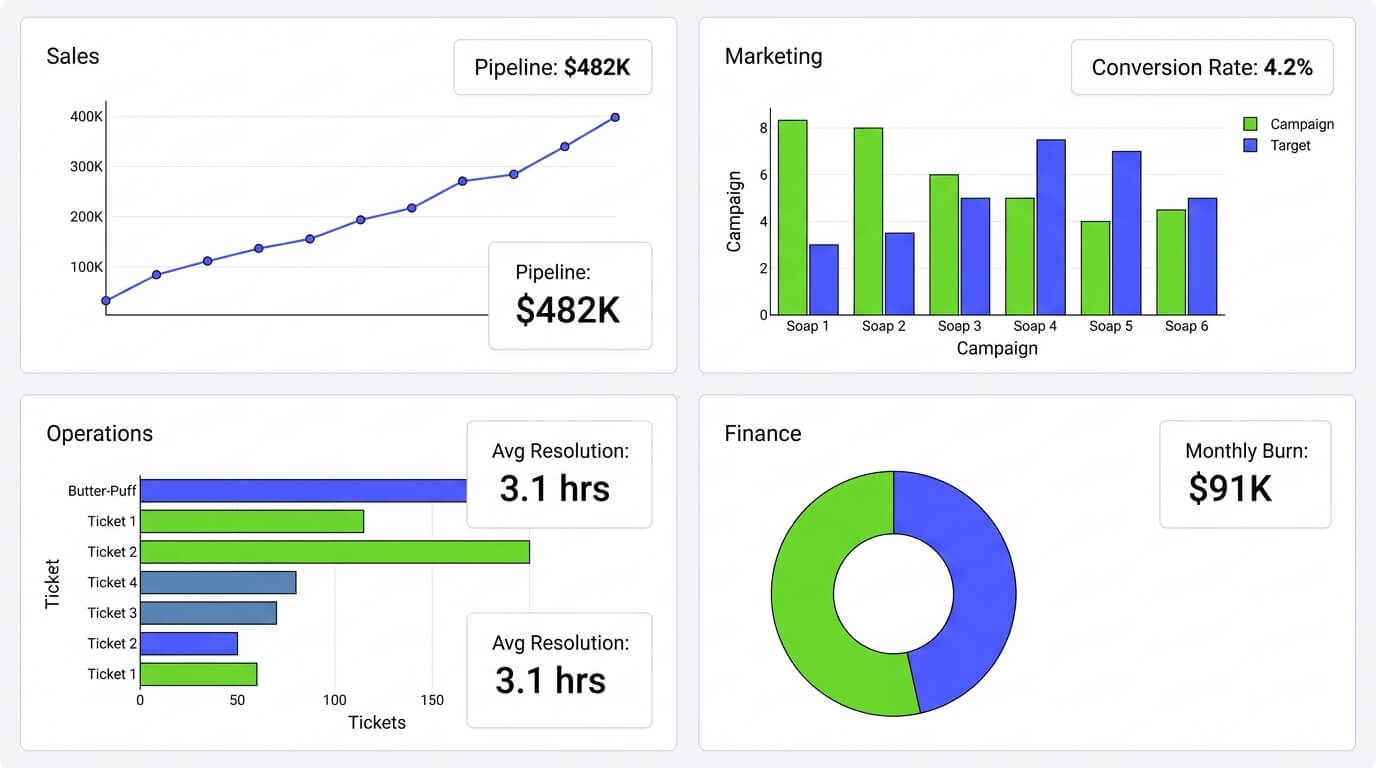
Dashboard Builder for Every Team
Dashboard Builder for Every Team: Sales, Marketing, Ops & Finance Connect any data source once, and the same no-code tool builds a…

How Much Does a BI Dashboard Cost in 2025?
How Much Does a BI Dashboard Cost in 2025? As organizations continue to rely on data for decision-making in 2025, Business Intelligence…

SaaS Dashboard — Free Cloud Dashboards | No Credit Card
SaaS Dashboard — Free, Cloud-Based (No Credit Card) Build interactive cloud dashboards, ask questions in natural language, and embed live visualizations —…